
Article Brief
Understand CRM vs marketing automation, where each tool fits, and how CRM workflow automation, AI workflows, email automation, and document automation help small businesses convert more leads.
Article brief: A practical guide for business owners comparing CRM and marketing automation, with advice on building connected workflows using AI, sales automation, email automation, and document automation.
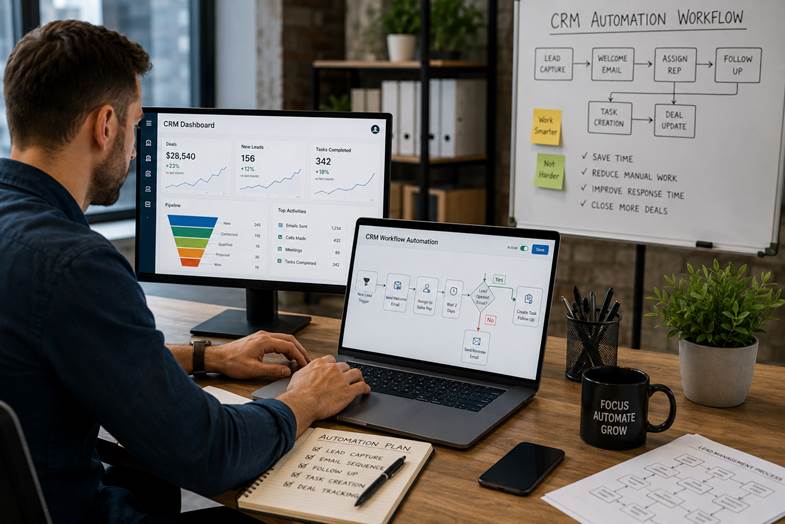
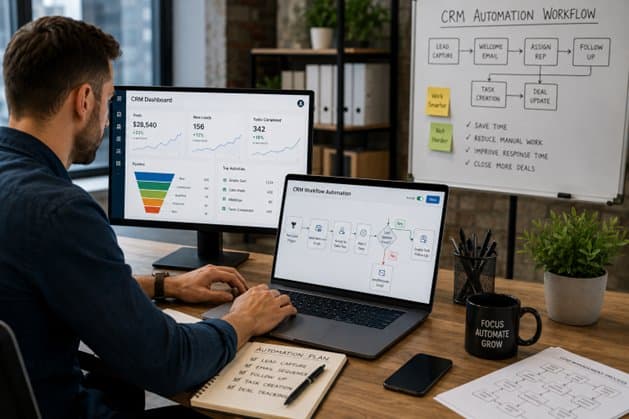
Image 1: CRM workflow automation connects lead capture, email follow-up, task creation, and sales tracking in one practical system.
CRM vs marketing automation sounds like a software debate, but it is really a workflow question.
One tool helps your team manage relationships, sales stages, tasks, and customer history. The other helps you automate campaigns, nurture leads, and keep communication moving before someone is ready to buy. Confuse the two and your team may end up with expensive software, messy data, and a sales pipeline that feels like a drawer full of loose cables.
Let’s keep this simple. A CRM is where your business manages people, deals, conversations, and next actions. Marketing automation is how your business sends the right messages, triggers follow-ups, scores leads, and keeps prospects warm. The best results usually come when both work together, not when teams argue over which one is “the real system.”
That is also why MoreTech Global’s growth systems are built around CRM clarity, email nurture, AI workflows, funnel tracking, reporting, and custom software when off-the-shelf tools are not enough. The point is not to collect more tools. The point is to build a system that turns interest into action.
The Problem: Most Teams Buy Tools Before They Fix the Handoff
Here is the honest part: many companies do not have a CRM problem or a marketing automation problem. They have a handoff problem.
Marketing captures a lead. Sales does not get enough context. The lead receives three emails, then silence. Someone updates the spreadsheet. Someone else creates a duplicate contact. A manager asks, “Where did this opportunity come from?” and the room gets very interested in their coffee.
The mistake most people make is assuming automation will fix unclear ownership. It will not. Automation makes good processes faster. It also makes bad processes faster, which is less charming.
| Common problem | What usually causes it | A better approach |
| Leads go cold | No owner, no deadline, no follow-up trigger | Create CRM tasks and alerts as soon as a qualified lead appears. |
| Marketing says leads are good, sales disagrees | No shared definition of a qualified lead | Define lead stages, scoring rules, and handoff criteria together. |
| Emails feel random | Campaigns are not connected to CRM stages | Use CRM email automation based on behavior and deal status. |
| Documents slow down deals | Manual proposal, contract, or approval steps | Use CRM document automation and approval workflows. |
| Reporting is vague | Data lives in different tools | Connect CRM, campaign data, and dashboards into one view. |
What Is a CRM?
A CRM, or customer relationship management system, stores and organizes customer and prospect information. It helps teams see contact details, previous conversations, deal stages, tasks, notes, proposals, customer history, and sales activity.
In practice, this matters because sales is not only about persuasion. It is about timing, context, ownership, and follow-through. A good CRM keeps those things visible.
MoreTech Global’s CRM + pipeline clarity work focuses on stages, ownership, next actions, and clean reporting. That is the unglamorous part of growth that quietly saves deals.
Typical CRM features include contact management, pipeline tracking, task reminders, deal stages, sales reporting, customer notes, team activity history, integrations, and sales automation in CRM. Some CRMs also include built-in email campaigns, lead scoring, forms, appointment booking, and basic marketing tools.
What Is Marketing Automation?
Marketing automation uses software to automate repetitive marketing tasks. That can include welcome emails, newsletter sequences, lead nurturing, segmentation, campaign triggers, social posting, lead scoring, remarketing audiences, and reporting.
Marketing automation is usually strongest before the sales conversation. It helps prospects learn, compare, trust, and return. The goal is not to spam people until they surrender. The goal is to send useful messages based on what they actually did.
For example, someone downloads a guide about CRM automations. The system sends a helpful follow-up, tags the person by interest, updates their lead score, and alerts sales only if the behavior suggests real buying intent. That is better than asking the sales team to chase every form submission like it is a golden ticket.
CRM vs Marketing Automation: The Practical Difference
The difference is simple: CRM manages relationships and sales activity. Marketing automation manages campaigns and lead nurturing. They overlap, but they do not replace each other.
| Area | CRM | Marketing automation |
| Main job | Manage contacts, conversations, deals, tasks, and customer history. | Automate campaigns, lead nurturing, scoring, and marketing follow-up. |
| Best owner | Sales, customer success, account management, operations. | Marketing, growth, demand generation, lifecycle marketing. |
| Best stage | Middle to bottom of funnel: qualified lead to customer and retention. | Top to middle of funnel: visitor to lead to nurtured prospect. |
| Core data | Contact history, deal stage, owner, notes, proposals, revenue. | Behavior, campaign engagement, email opens, clicks, forms, segments. |
| Useful automation | Sales tasks, pipeline updates, reminders, deal routing, CRM document automation. | Welcome emails, nurture sequences, segmentation, lead scoring, campaign triggers. |
| Risk if used alone | Good sales tracking but weak nurture before sales engagement. | Good lead nurturing but poor handoff, ownership, and revenue visibility. |
A better approach is not “CRM or marketing automation.” It is “what does the buyer need next, and which part of the system should handle it?”

Image 2: A B2B lead generation system needs outreach, engagement, qualification, CRM updates, and measurable follow-up.
How CRM and Marketing Automation Work Together
The best setup is a connected handoff. Marketing automation attracts and warms up leads. The CRM gives sales the context needed to continue the conversation without starting from zero.
Think of it like a relay race. Marketing automation carries the baton through awareness and nurture. CRM takes over when there is enough intent for a real sales conversation. If nobody agrees where the handoff happens, the baton hits the floor. We’ve all seen that movie.
A practical workflow might look like this:
- A visitor fills out a website form.
- The lead is tagged by source, page, service interest, and urgency.
- CRM email automation sends a useful first message.
- Lead scoring watches for behavior such as replies, clicks, repeat visits, or booking actions.
- A qualified lead is assigned to a salesperson with a deadline.
- Sales automation in CRM creates a follow-up task and logs the next step.
- If the lead is not ready, they move into a nurture sequence.
- Reporting shows which campaigns create qualified opportunities, not just form fills.
This is where MoreTech Global’s email automation and nurture, AI agents and workflows, and reporting and optimization loop fit naturally. The website, CRM, emails, tasks, and dashboards work as one system instead of five tools politely ignoring each other.
CRM Workflow Automation: What to Automate First
CRM workflow automation should start with the repetitive tasks that slow your team down or create avoidable mistakes.
You do not need to automate everything on day one. In fact, please do not. That is how businesses end up with 42 triggers, seven conflicting email sequences, and one person named “Admin” who apparently owns every deal.
| Workflow | Trigger | Automation result |
| New lead routing | Form submitted or chat captured | Create contact, assign owner, set stage, notify team. |
| Fast lead response | High-intent action such as demo request | Send instant confirmation and create same-day follow-up task. |
| CRM email automation | New lead or stage change | Send relevant sequence based on service interest. |
| Sales automation in CRM | Deal moves to proposal | Create reminder, attach checklist, notify owner if no activity. |
| CRM document automation | Proposal or onboarding stage | Generate document, route approval, store signed file. |
| Reactivation | No reply after set period | Send helpful check-in or move to nurture. |
| Reporting | Weekly review date | Generate dashboard for leads, meetings, stale deals, and conversion. |
Start with lead capture, ownership, follow-up deadlines, email sequences, document steps, and reporting. Those are usually the highest-friction areas.
AI Workflow Automation for Small Business
AI workflow automation for small business should not feel like a science project. It should reduce manual work, improve response time, and help teams make better decisions.
Useful AI automation services can classify inquiries, summarize lead notes, draft first replies, score leads, route requests, create CRM tasks, detect missing fields, prepare meeting notes, and flag stale opportunities.
Here is the practical warning: AI is not a strategy. AI is a tool inside a process. If your sales stages are unclear, your data is messy, and nobody knows who should follow up, AI will not save the day. It may simply create faster confusion, now with a shiny label.
A practical AI automation consultant should first map your workflow, then decide where AI belongs. MoreTech Global’s AI automation systems are useful here because they sit inside a broader growth system: CRM, website, follow-up, reporting, and custom software when needed.

Image 3: Business process automation helps teams turn manual handoffs into repeatable workflows with clearer tasks and fewer errors.
CRM Email Automation and CRM Document Automation
CRM email automation is often the first automation businesses notice, because email is where follow-up either happens or quietly dies.
Good email automation can send welcome messages, meeting reminders, post-call follow-ups, proposal nudges, reactivation emails, onboarding instructions, and customer check-ins. The key is relevance. A lead who asked about AI automation for MSPs should not receive the same message as someone asking about best automated document workflow solutions for AI integration.
CRM document automation is just as important, especially for service businesses, agencies, consultants, MSPs, logistics firms, healthcare teams, wealth management firms, and B2B companies with proposals, contracts, forms, KYC documents, onboarding packs, or approval steps.
In practice, this matters because documents are where many deals slow down. The buyer is interested, the call went well, everyone smiled, and then the proposal sits in someone’s inbox like a forgotten sandwich.
A cleaner workflow generates the right document, adds the right customer data, routes it for approval, sends it for signature, stores it in the CRM, and triggers the next task. Not exactly rocket science. Still very useful.
Where AI Automation Agencies Fit
AI automation agencies can be helpful when a business needs workflow mapping, tool selection, CRM integration, AI assistant setup, automation maintenance, and reporting. But the best ai automation agencies do not just sell bots. They diagnose the business process first.
If you are comparing ai automation agency services, look for practical proof: clear discovery, workflow diagrams, CRM experience, integration skills, data hygiene advice, security awareness, and measurable outcomes. An ai automation agency website that only says “we automate everything” without showing the workflow is usually not enough.
You may also see phrases like ai automation agency hub or ai automation agency skool in search results because many people are learning how to start an ai automation agency or how to find clients for ai automation agency work. That is useful for training, but business buyers should still ask a different question: can this partner understand our sales process, customer journey, data, and operational reality?
The goal is not to hire the loudest automation vendor. The goal is to build something your team will actually use after the launch meeting.
Use Cases by Industry
| Industry or team | Useful automation examples |
| MSPs and IT services | AI automation for MSPs can route support inquiries, qualify service leads, update tickets, trigger renewal reminders, and support sales follow-up. |
| Healthcare operations | Automating healthcare tasks with AI can help with intake summaries, appointment reminders, document routing, and internal task creation. Privacy and compliance need careful handling. |
| Logistics teams | AI logistics automation news 2025 shows a growing focus on routing, scheduling, shipment updates, demand planning, and exception management. CRM workflows can support customer communication around those events. |
| Wealth management | The best AI software for automating wealth management workflows should support compliant document handling, client segmentation, meeting preparation, and task reminders. |
| Data and analytics teams | AI tools for automating Python data analysis pipelines can clean data, run reports, summarize outputs, and trigger CRM or dashboard updates. |
| AI automation jobs | AI automation engineer jobs and related roles often require workflow thinking, API skills, CRM knowledge, Python, data handling, and the ability to translate business problems into systems. |
These use cases have one thing in common: automation works best when the workflow is clear before the technology is added.
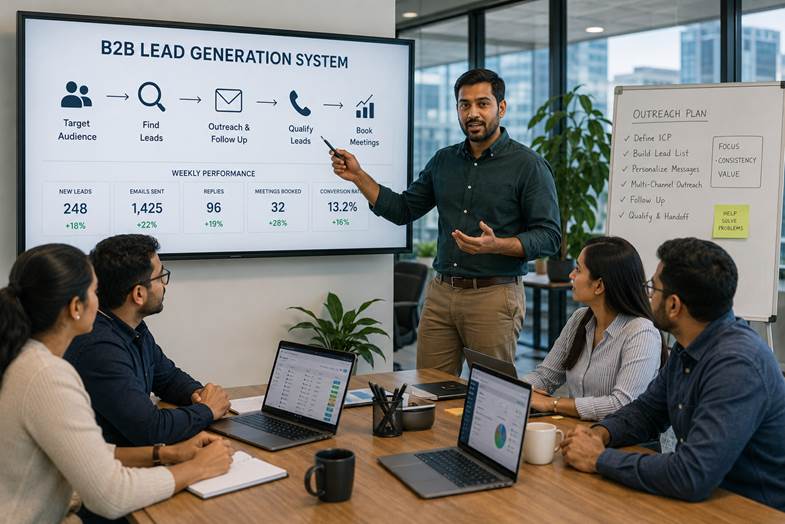
Image 4: AI-supported lead generation works best when outreach, qualification, follow-up, and CRM visibility stay connected.
Should You Choose CRM, Marketing Automation, or Both?
The honest answer is: start with the system gap that is hurting you most.
| Your situation | Start here |
| You lose track of leads, owners, notes, and follow-up | Start with CRM setup and CRM workflow automation. |
| You have traffic but weak nurture | Start with marketing automation and CRM email automation. |
| Sales and marketing disagree about lead quality | Define stages, scoring, and handoff rules between both systems. |
| Documents delay proposals or onboarding | Add CRM document automation and approval workflows. |
| Your team is buried in repetitive admin | Add AI workflow automation for small business tasks. |
| You use many tools and no single source of truth | Connect the CRM, marketing automation, reporting, and business workflows. |
For most growing B2B companies, the answer eventually becomes both. But “both” does not mean buying every feature available. It means designing the route from lead to customer, then choosing the tools that support it.
What to Look For in CRM and Automation Partners
Whether you search for ai automation near me, hire an ai automation consultant, or compare ai automation agencies online, ask for the process behind the promise.
Good partners should be able to explain:
- How leads move from first touch to qualified opportunity.
- Which fields must be captured in the CRM.
- Which tasks should be automated and which should stay human.
- How email sequences change by interest, stage, or behavior.
- How documents are generated, approved, and stored.
- How reporting shows source, quality, response time, conversion, and revenue.
- How the system will be maintained after launch.
MoreTech Global fits this problem because its growth systems built end-to-end combine CRM automation, AI workflows, websites, software development outsourcing, funnel tracking, and reporting. The services page also emphasizes custom software when off-the-shelf tools are not enough, which matters when standard platforms cannot match your actual workflow.
A Practical Implementation Plan
You do not need to overcomplicate this. A simple implementation plan works better than a giant automation fantasy board.
| Phase | What to do | Output |
| 1. Map the journey | Document lead sources, forms, sales stages, follow-up steps, documents, and handoffs. | Clear workflow map. |
| 2. Clean the CRM | Remove duplicates, define fields, fix stages, assign owners, and standardize statuses. | Usable CRM foundation. |
| 3. Build core automations | Create routing, task reminders, email sequences, deal alerts, and document triggers. | Less manual admin. |
| 4. Add AI carefully | Use AI for summaries, classification, drafting, lead scoring support, and analysis. | Faster workflow without losing control. |
| 5. Connect reporting | Track new leads, qualified leads, source, response time, conversion rate, and stale deals. | Better decisions. |
| 6. Improve monthly | Review data, fix friction, simplify triggers, and test better messages. | System keeps improving. |
This is also where a practical tech partner earns trust. The first version should be useful, understandable, and measurable. Fancy can come later. Useful needs to show up first.
FAQ: CRM vs Marketing Automation
What is the main difference between CRM and marketing automation?
CRM manages customer relationships, sales activity, tasks, and pipeline visibility. Marketing automation manages repetitive marketing actions such as email nurture, segmentation, campaign triggers, and lead scoring.
Do I need CRM or marketing automation first?
Start with CRM if your team loses track of leads, owners, tasks, or deals. Start with marketing automation if you already have clean sales tracking but need better lead nurture and campaign follow-up. Many growing teams eventually need both.
Can a CRM do marketing automation?
Some CRM platforms include marketing automation features such as email sequences, forms, lead scoring, and campaign tracking. The important question is not whether the feature exists, but whether it supports your actual workflow cleanly.
What is CRM workflow automation?
CRM workflow automation uses triggers and rules to handle repetitive CRM tasks, such as assigning leads, creating follow-up tasks, sending emails, updating deal stages, generating documents, and notifying sales owners.
What is sales automation in CRM?
Sales automation in CRM helps sales teams reduce manual admin by automating reminders, task creation, pipeline updates, proposal follow-ups, activity logging, and alerts for high-priority leads.
Is AI workflow automation safe for small businesses?
It can be, if you use it for clear tasks with human oversight. Small businesses should start with low-risk workflows such as summaries, routing, reminders, drafts, and reporting support before automating sensitive decisions.
What should I ask before hiring an AI automation agency?
Ask how they map workflows, connect CRM data, handle security, measure outcomes, document automations, train your team, and maintain the system after launch.
Can AI replace my sales or marketing team?
No. AI can reduce repetitive work and support better timing, but trust, judgment, positioning, and customer conversations still need people. The best automation supports the team; it does not pretend the team is optional.

Image 5: A useful automation plan starts with the real workflow: onboarding, documents, approvals, CRM updates, and reporting.
Why MoreTech Global Fits This Problem
MoreTech Global is a practical next step for companies that want more than a CRM subscription or a few isolated email sequences. Its services cover CRM + pipeline clarity, email nurture, AI agents, workflows, funnel tracking, reporting, optimization, and custom software when needed.
The company’s website describes a simple delivery process: map the funnel and data, build and automate, launch and optimize, then scale what works. That is the right order. Strategy first. Automation second. Results review always.
For teams comparing CRM automations, AI automation services, CRM email automation, CRM document automation, or custom software development, the useful question is not “which tool looks best?” It is “which workflow will help our team respond faster, follow up better, and see what is actually converting?”
You can explore MoreTech Global’s portfolio, meet the team, or book a strategy call when you want someone to map the workflow before another tool gets added to the pile.
Conclusion: The Tool Is Not the System
CRM vs marketing automation is not a battle. It is a division of labor.
Use marketing automation to attract, educate, segment, and nurture. Use CRM to manage relationships, sales stages, follow-up, documents, and revenue visibility. Use AI where it removes friction, not where it creates mystery.
The goal is not to sound clever. The goal is to be useful. A connected workflow helps your team see who the lead is, what they need, what should happen next, and whether your process is actually improving.
For more practical growth ideas, explore the MoreTech Global blog. It is built around the same useful principle: growth works better when strategy, software, automation, and reporting are connected.
People Also Read
Published MoreTech Global blog posts currently listed on the blog page:
- Growth Systems: How to Build a B2B Lead Generation Machine That Actually Converts
- Why Leads Go Cold: The Follow-Up System Most Growing Companies Forget to Build
- Why Swedish Sustainable Brands Need a Connected Digital Growth System
Business Management Software for Natural Brands: Why Sustainable Businesses Need More Than a Website
This is exactly what we build for you.
MoreTech turns the ideas in this article into a working system for your business — lead capture, instant follow-up, and automation that runs itself.
People Also Read
2 September 2026
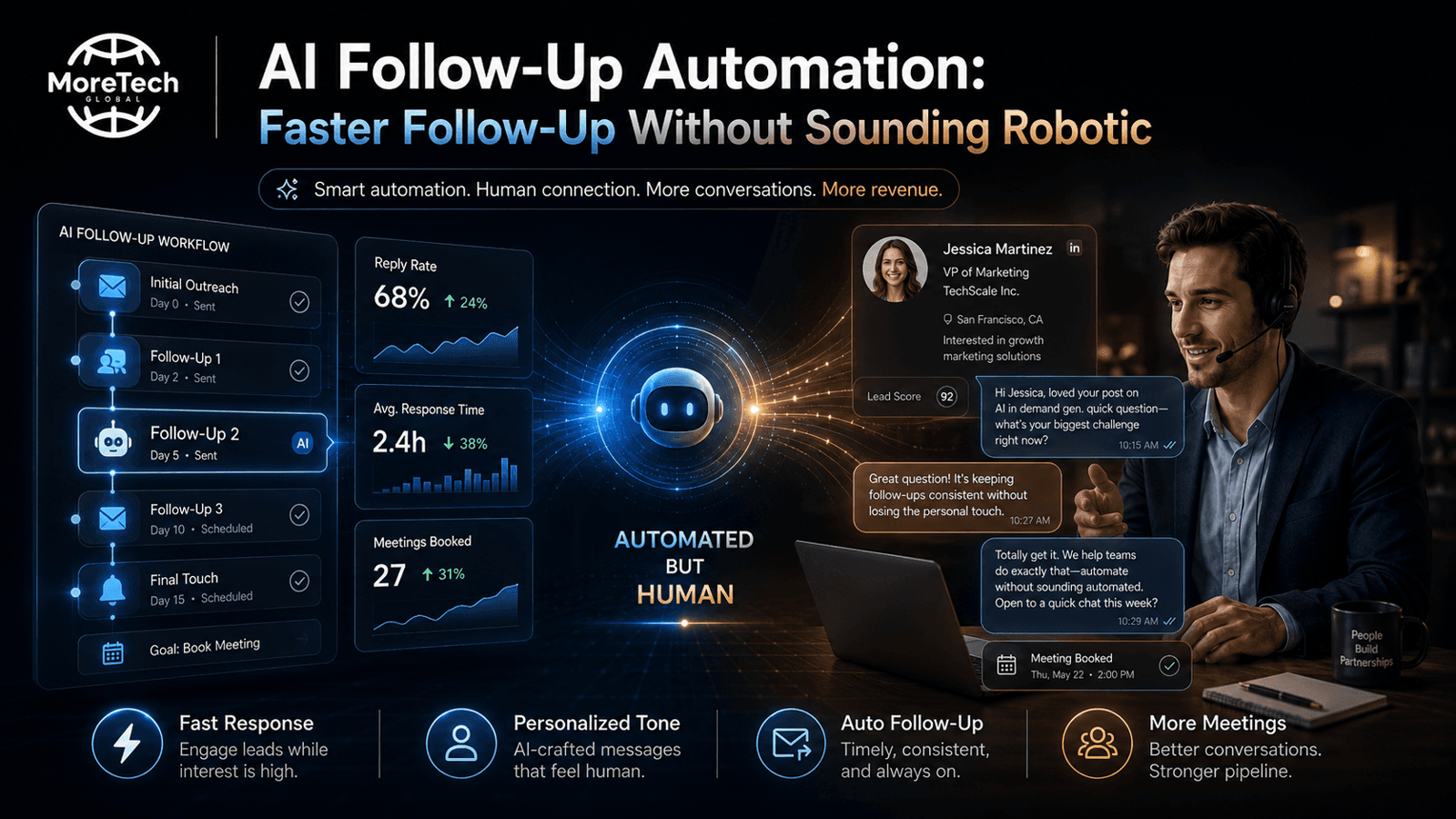
AI Follow-Up Automation: Faster Follow-Up Without Sounding Robotic
AI Follow‑Up Automation: Faster Outreach Without the Robot Voice When a Swedish VVS contractor answe...
Read article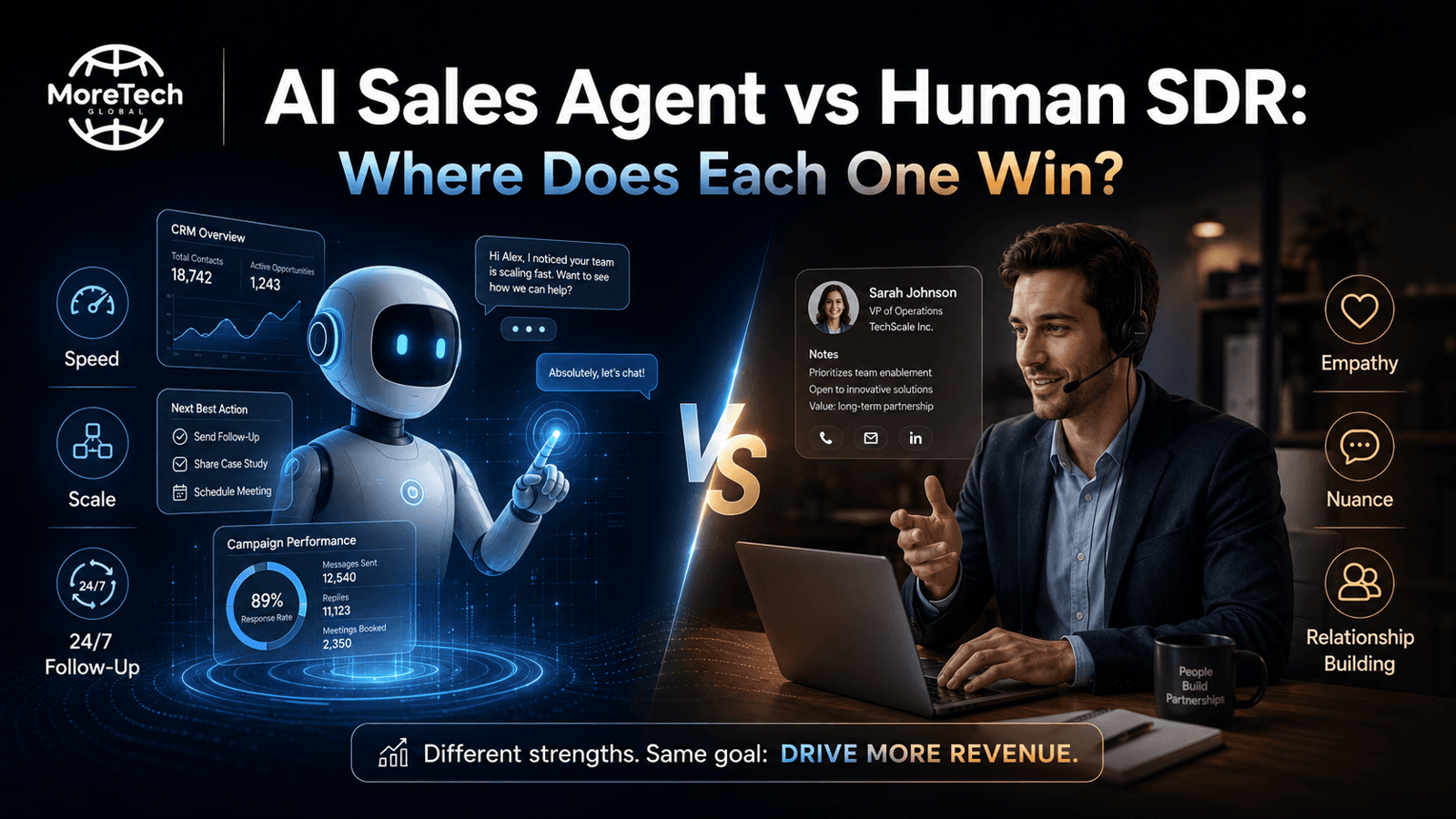
2 September 2026
AI Sales Agent vs Human SDR: Where Does Each One Win?
AI Sales Agent vs Human SDR: Where Each One Wins When a Swedish VVS contractor receives an inbound c...
Read article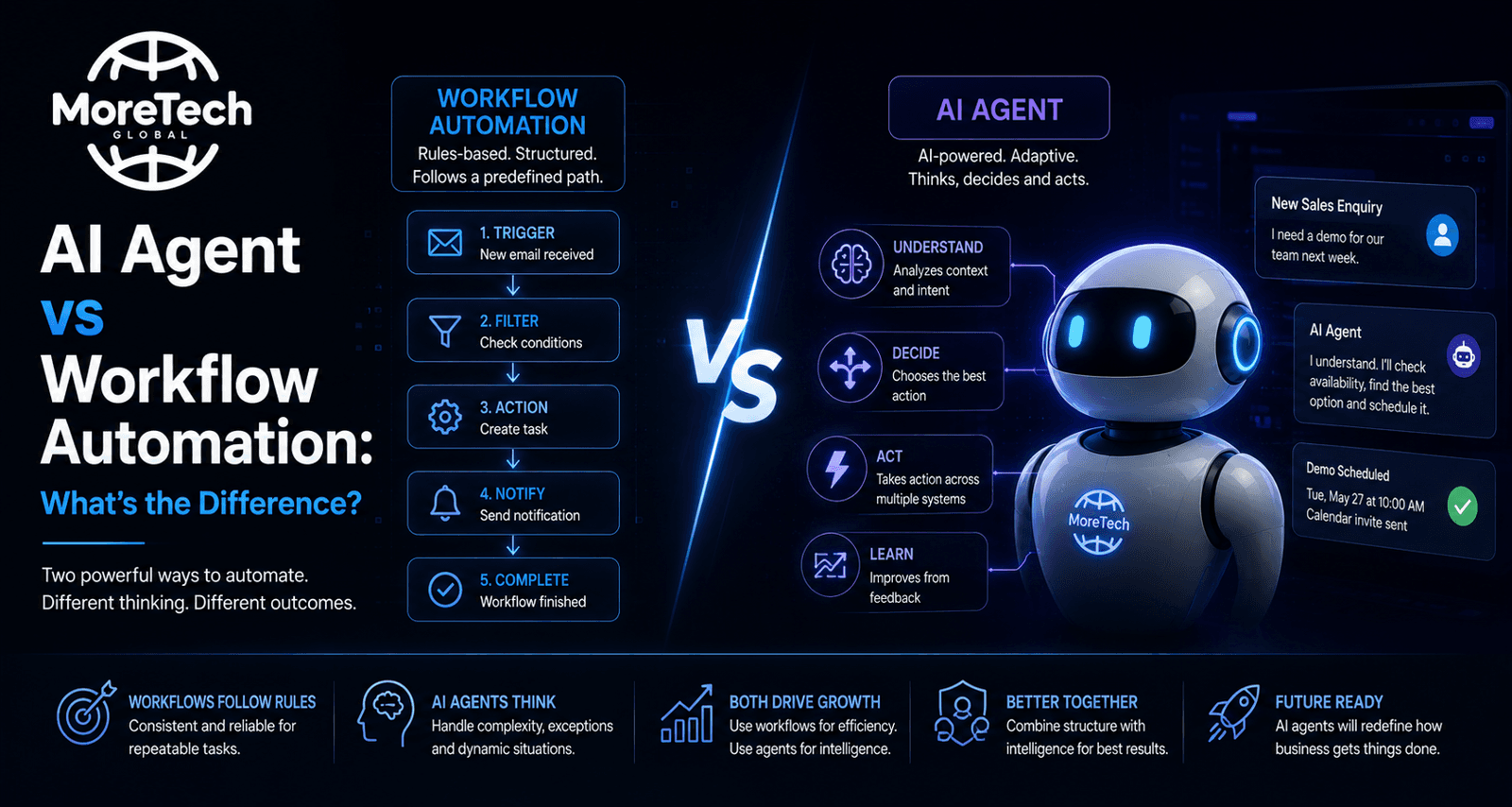
1 September 2026
AI Agent vs Workflow Automation: What's the Difference?
AI Agent vs Workflow Automation: What Small VVS Contractors Should Know When a Swedish plumbing inst...
Read article